Creating an account
Sign up with your email address, confirm it from your inbox, and set up your first passkey. No password needed.
Signing up takes three steps and no password.
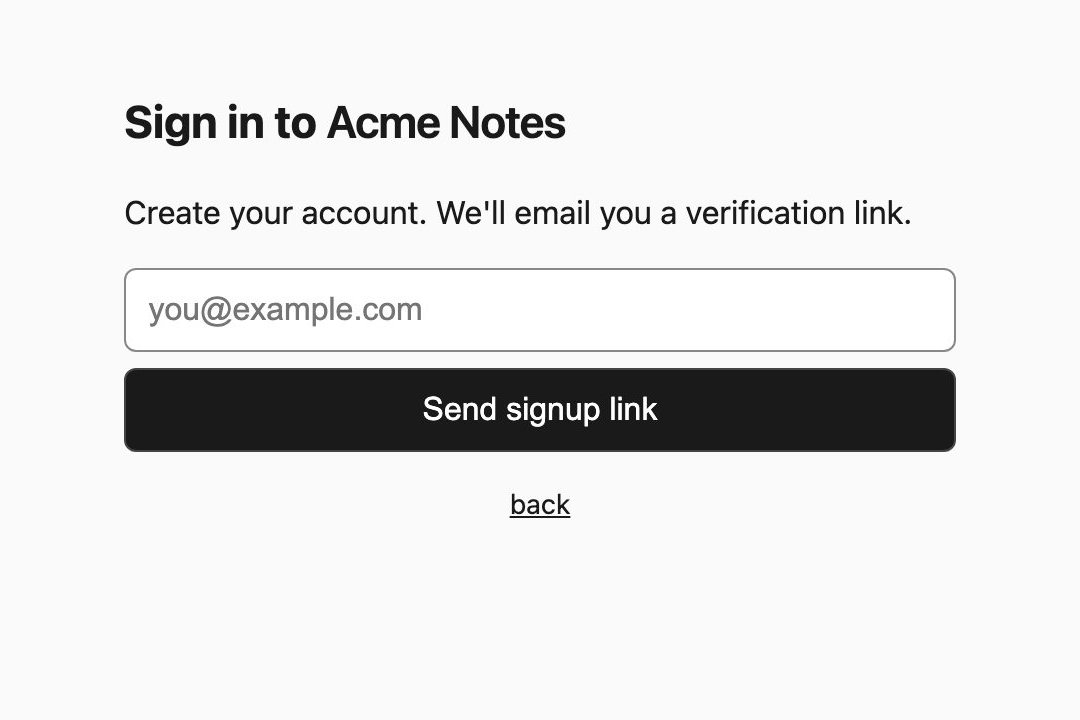
1. Enter your email
On the sign-in page, click Create an account, type your email address and click Send signup link.
2. Open the link in your inbox
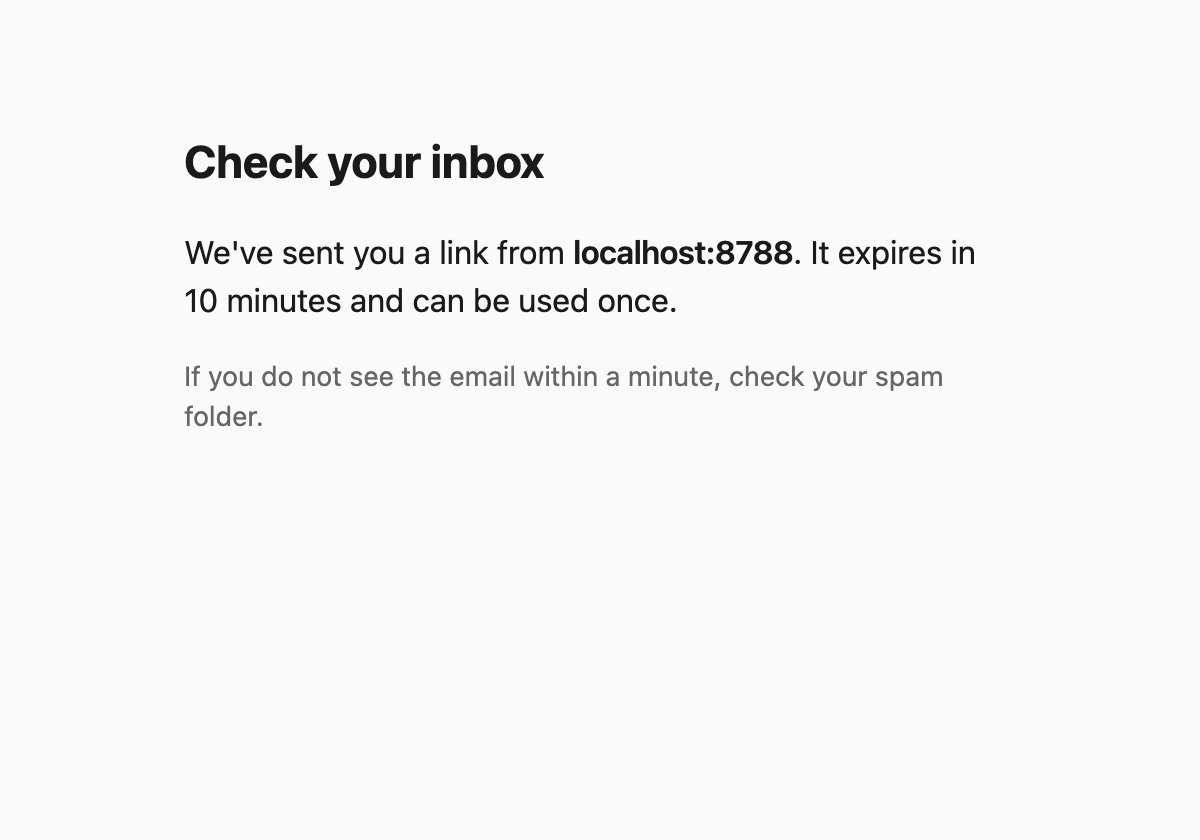
Open the email and click the link. It works once and expires after 10 minutes. If it doesn’t arrive within a minute, check your spam folder. If it’s expired, start again from Create an account.
3. Set up your passkey
The link opens this page:
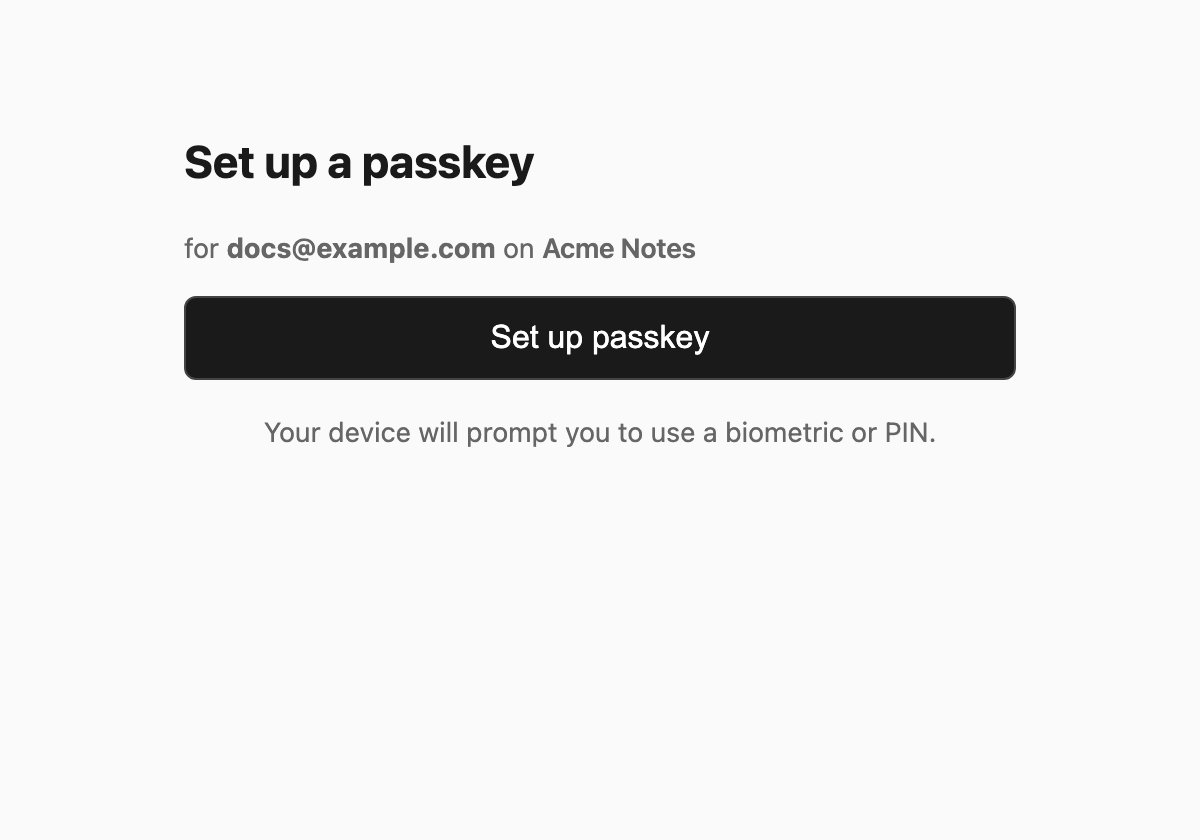
Click Set up passkey and confirm with your fingerprint, face, PIN or security key. You’re signed in and taken back to the app.
From now on, signing in is one touch: Signing in.
Which device should I use?
Any. If you use iCloud Keychain, Google Password Manager or a password manager like 1Password, your passkey syncs to your other devices automatically, and survives losing your phone.