Lost your passkey?
Get back into your account with a recovery link when your device is lost, reset or replaced, and what recovery does to your old passkeys.
If you’ve lost the device with your passkey, reset it, or your passkey no longer works, you can recover your account by email.
Recover your account
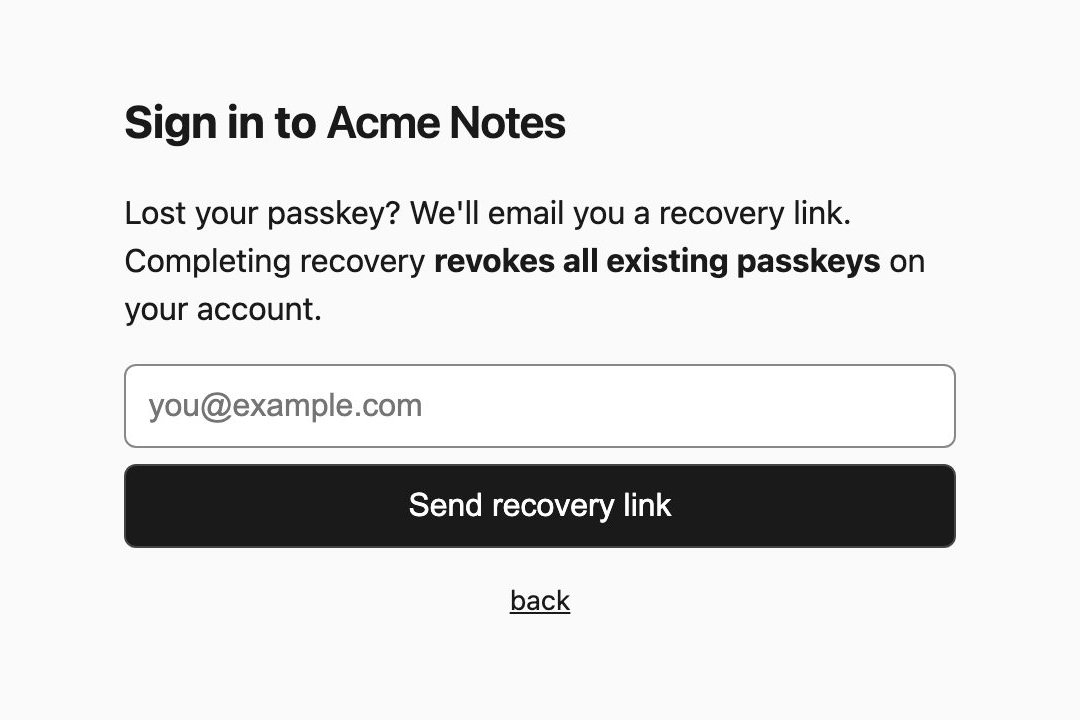
- On the sign-in page, click Lost your passkey?
- Enter the email address on your account and click Send recovery link.
- Open the email and click the link. Like signup links, it works once and expires after 10 minutes.
- Click Replace passkeys with a new one, and confirm on your current device.
You’re signed in with a new passkey.
What recovery does to your old passkeys
Completing recovery revokes every existing passkey on your account, on every device.
That’s deliberate. If your phone was lost or stolen, its passkey stops working the moment you recover. Afterwards, set up a passkey again on any other device you use.
Before you need this
Synced passkeys (iCloud Keychain, Google Password Manager, 1Password and similar) are backed up and come back when you sign in to a new device. If yours are synced, you may never need recovery at all.